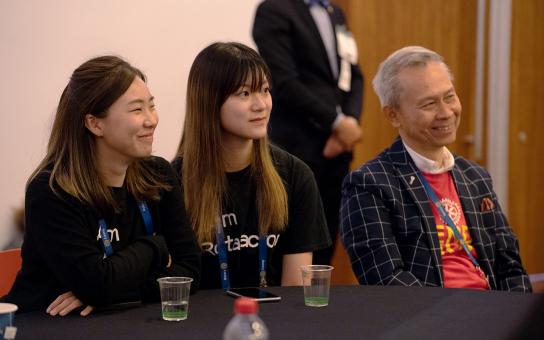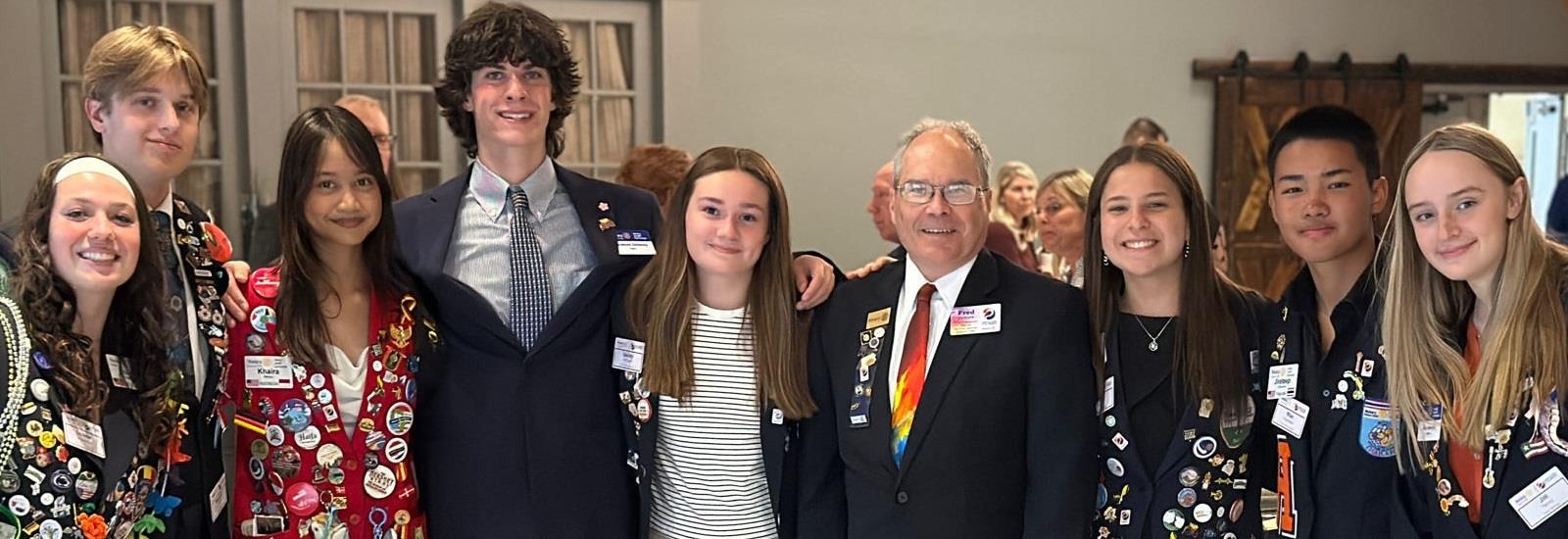
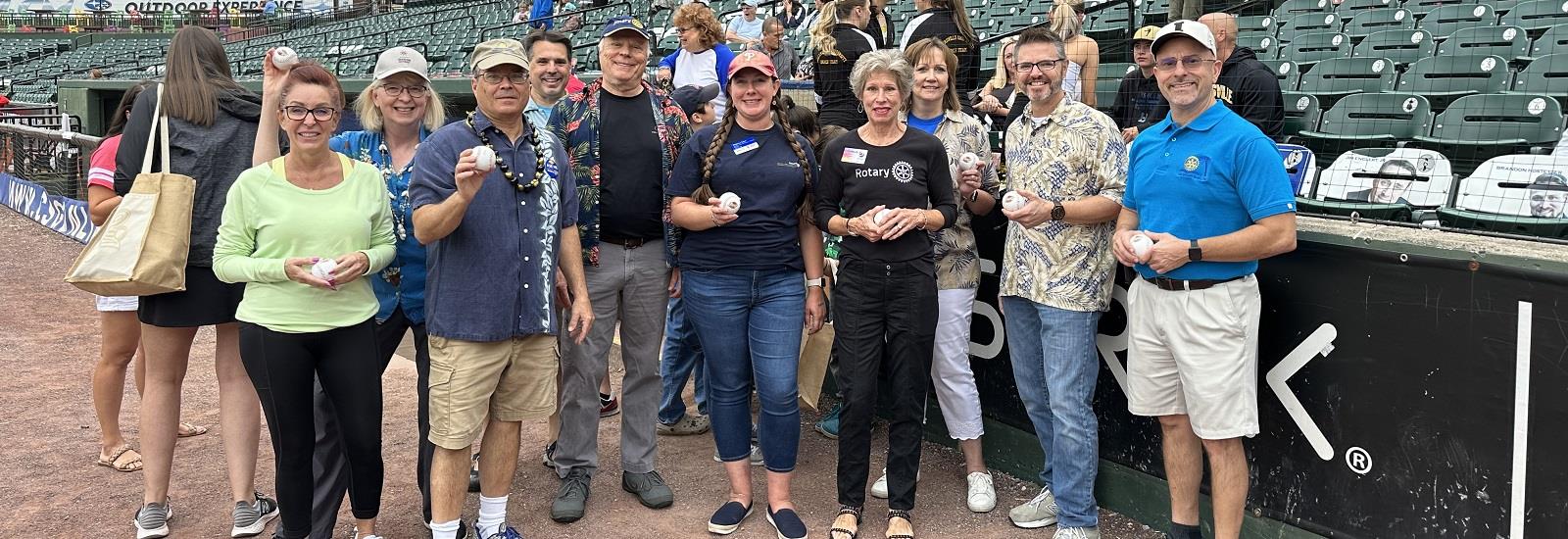


The 2024 District Conference was fun and inspiring! Here is a quick look back at the events of the weekend!
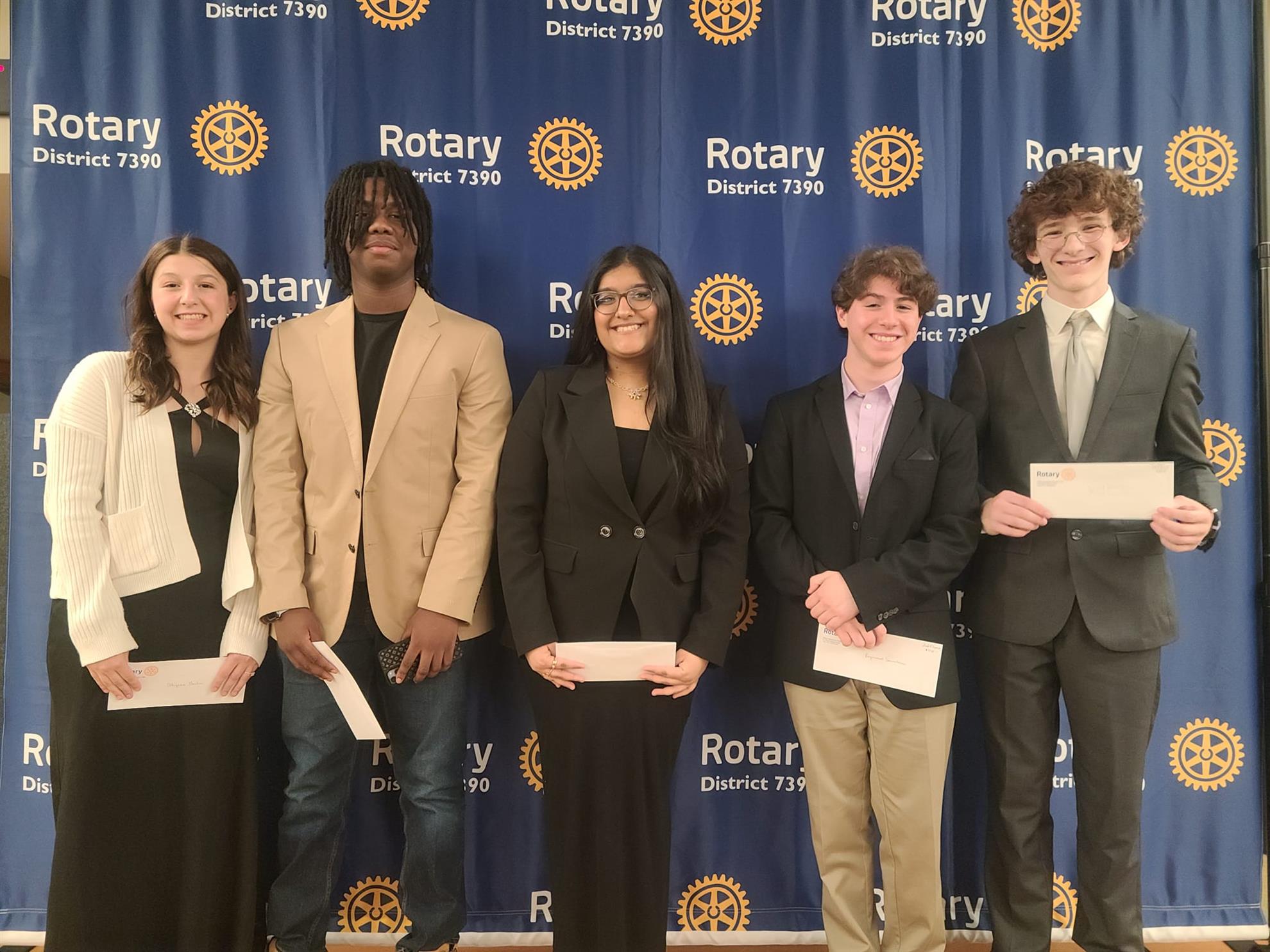
The Four-Way Test Speech Contest was a great kick-off on Friday night! The five finalists compared the Four-Way Test to Laughter and weight loss, Justice, Friendships, and Parenting. The speeches were thought-provoking and entertaining.
Congratulations to the finalists on the top five places in the District!
- Samuel Tennison (Manheim Township HS) - Rotary Club of Manheim
- RJ Scacalossi (Manheim Township HS) - Rotary Club of Manheim
- Keya Patel (Manheim Township HS) - Rotary Club of Manheim
- Niles Nero (SciTech HS) - Rotary Club of Harrisburg
- Alyssa Garber (Milton Hershey HS) - Rotary Club of Hershey
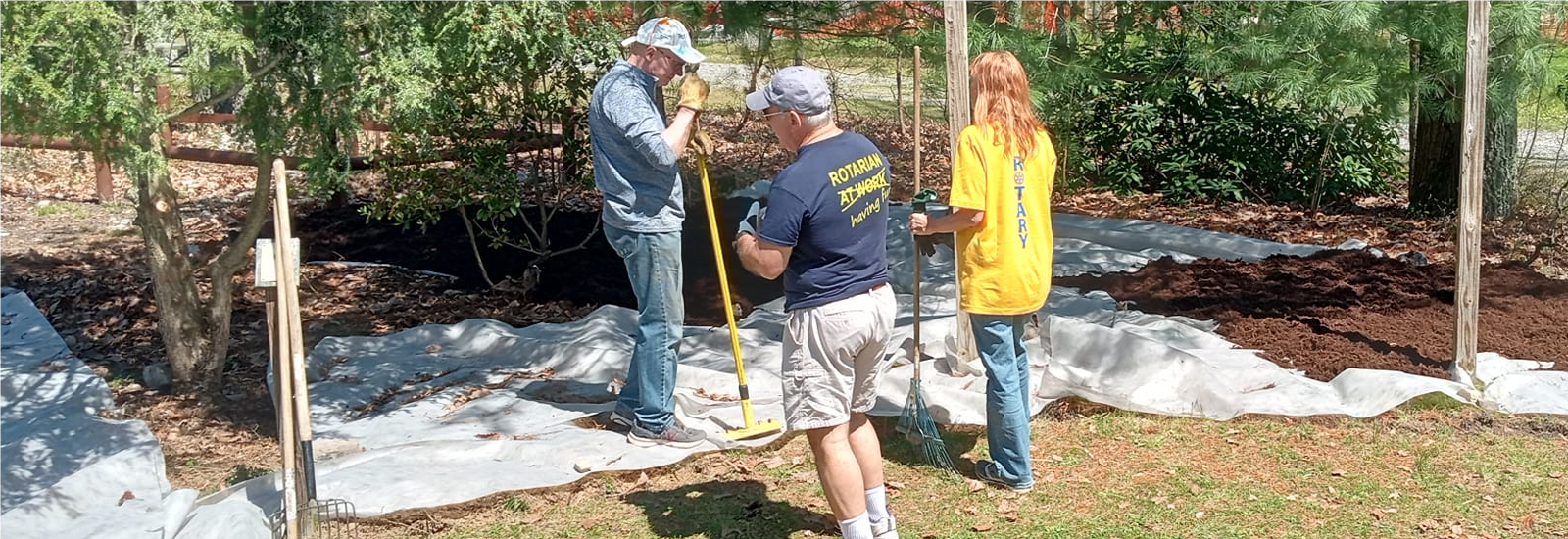
On Saturday there were several service projects throughout the District, learning sessions in the afternoon and the Governor's banquet Saturday night. The banquet featured presentations of District awards.
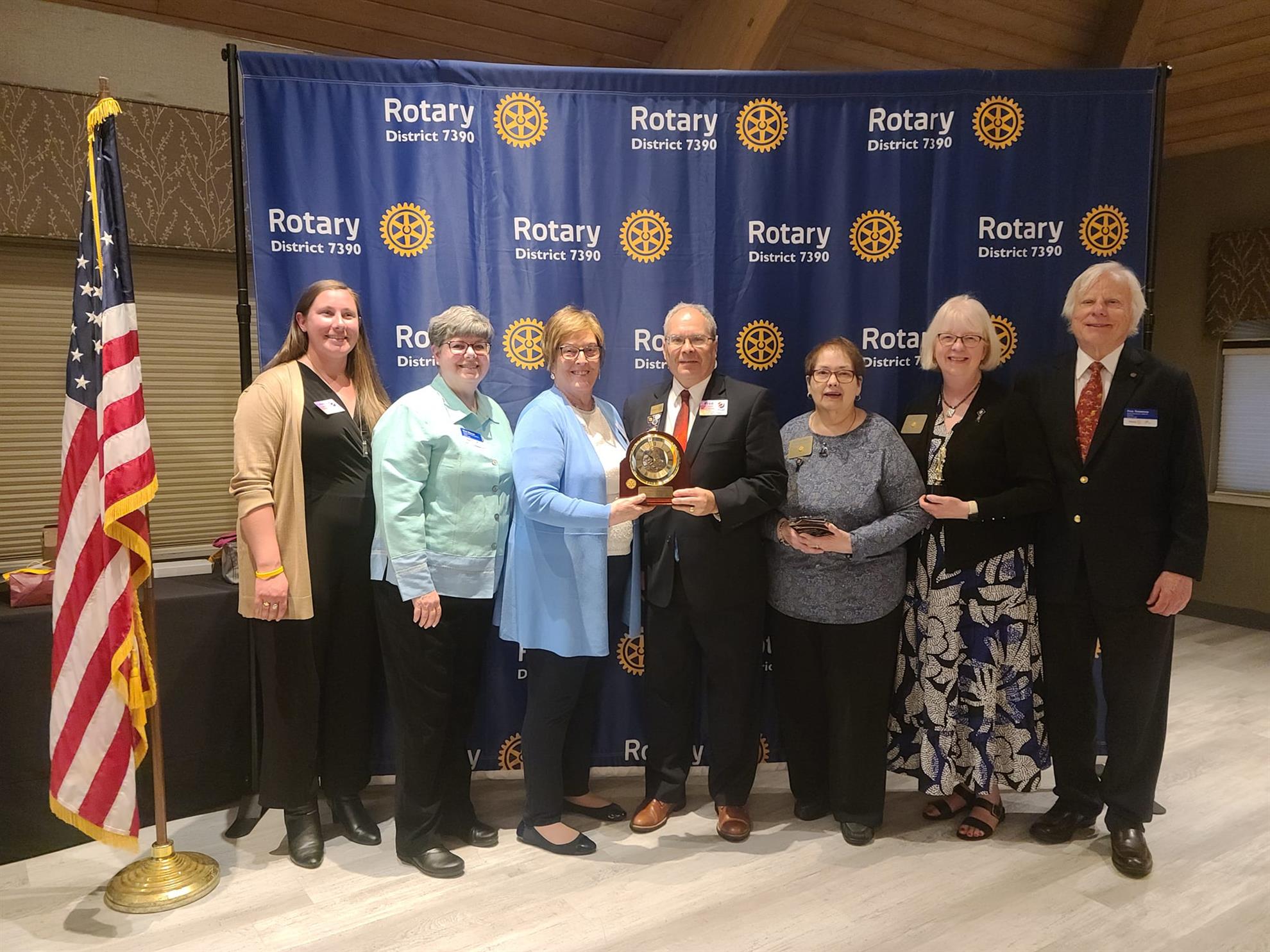
DG Fred Gellert presented the following Awards:
- Dogged Pursuit - PDG Juliet Altenburg (Mechanicsburg-North)
- District Outstanding Service Award - PDG Anna-Mae Kobbe (Gettysburg)
- District Lifetime Achievement Award - Linda Spotts (Susquehanna Township)
The Rotary Club of Harrisburg will host the 71st RMB networking event in Rotary District 7390 history and the second event in the RMB 2024 season at Capital Blue Cross Connect (Hampton Marketplace, 4500 Marketplace Way, Enola) on Thursday, May 23 from 5:00 to 7:00 pm. The event will be FREE thanks to major sponsor BELCO Community Credit Union and Capital Blue Cross Connect and will include light hors d’oeuvres, wine, beer, soft drinks, and water.
This will be another in a longstanding series of great business networking opportunities and fun and fellowship events. Do not miss it. Also, please consider bringing potential Rotarian guests and Family of Rotary.


Group A |
|
|
|
Group B |
|
|
|
Group C |
|

.png)